Independent studio · not Google

Gemini Omni Video Generator

Gemini Omni video generator in the browser. Text or one still to a short MP4. Free trial after sign-in — draft credits run Fast preview. Gemini Omni Flash is paid. Not the Gemini app.

Prompting tips Shot: “close-up”, “wide-angle”. Motion: “slow dolly in”. Style: “cinematic”, “golden hour”.
Aspect ratio
Duration
Audio Audio on

Sign in to generate. New accounts get draft credits for Fast preview (our model, 480p / 720p). Gemini Omni Flash is the paid Google model — signup credits cannot buy it.

Examples History
0:00 / 0:00

Sketch-to-motion demo — not Gemini Omni output

Sign in for draft credits · Paid Omni Flash · Download as MP4

The search

What is Gemini Omni?

Gemini Omni is Google’s any-input-to-video model. This page is an independent Gemini Omni video generator: type a prompt or upload a still, get a short MP4, without pretending to be the Gemini app.

Google DeepMind introduced Gemini Omni at I/O 2026 as a model that can take text, images, video, and audio and return a clip. The first generation people search is Gemini Omni Flash. A later Omni 1.1 Flash line advertised longer scenes, first-and-last-frame control, and 4K upscale. Official product pages send you to the Gemini app, Google Flow, and YouTube Shorts. That is the Google product.

Searchers also want a browser box that does not require a Google AI subscription. That is the job of geminiomni.lol. You stay on this domain: sign in, then text to video or one still. Draft credits run Fast preview. Gemini Omni Flash is the paid Google model. Credits never leave this product. We do not run official Omni conversational editing, 40-second extend, or avatars.

Fast preview is our turbo draft model. Gemini Omni Flash is the paid Google route. Signup credits cannot buy Omni. Generate a short MP4, download it, and do not treat the idle demo reels as Omni output.

Google’s model, not this company’s model

Gemini Omni is Google DeepMind’s any-input-to-video system, shown at I/O 2026. Official write-ups describe text, images, video, and audio in, a short clip out, plus conversational edits in the Gemini app and Flow. This website is a third-party studio. It is not Google, not the Gemini app, and not Google Flow.

Flash vs 1.1 Flash vs this form

Gemini Omni Flash is the first generation people search. This form sells the official Omni Flash route we can debit: 4 / 6 / 8 / 10s at 720p, 1080p, or 4K. Fast preview stays our cheaper draft model at 5 / 10 / 15s and 480p/720p.

Draft credits vs paid Omni

The default picker is Fast preview so a new login can generate. Signup credits only spend on that model. Gemini Omni Flash is paidOnly — it needs a real Stripe purchase, not the welcome gift.

One still, one shot

Official Omni can take richer reference stacks. Here image-to-video sends one imageUrl. There is no last-frame picker, no nine-file board, and no audio upload. Generate a new clip if the first one misses.

Text to video

Write the subject, setting, one action, and camera move. This Gemini Omni video generator renders a short MP4 — no timeline or stock footage required. Pick 16:9, 9:16, or 1:1 before you run.

Image to video

Drop in a PNG, JPG, or WebP (up to 8 MB). The still becomes the opening frame; your prompt describes how it should move. Aspect follows the photo. A last-frame landing shot is not a control here.

Fast preview on this site

Sign in for 18 draft credits on Fast preview. Gemini Omni Flash unlocks 720p / 1080p / 4K after a paid plan. There is no guest generate and no daily check-in.

Honest limits

Gemini Omni vs Veo vs this site

Official Omni and Veo live on Google. This browser tool sells Fast preview (our model) and paid Gemini Omni Flash.

CapabilityOfficial Gemini OmniGoogle VeoThis Gemini Omni video generator
Where you run itGemini app, Google Flow, YouTube Shorts, AI Studio / APIFlow, Vertex, and some Gemini video surfacesThis page — geminiomni.lol in the browser
Google AI subscriptionUsually required for app / Flow quotaUsually requiredGoogle sign-in required. No guest generate
InputsOfficial: text, image, video, audioText or image, cinematic lookText, or one still. No video/audio refs
LengthFlash around 10s; 1.1 Flash up to ~40sModel-dependent on GoogleFast preview 5 / 10 / 15s · Omni Flash 4 / 6 / 8 / 10s
ResolutionOfficial 720p; 1.1 Flash adds 4K upscaleOften 720p–1080p on GoogleFast preview 480p/720p; Omni Flash 720p/1080p/4K
Conversational editOfficial: follow-up instructions on the same takeSeparate tools / regeneratesOne clip per Generate — no stateful chat edit
What this week actually callsOmni Flash / Omni 1.1 Flash on GoogleVeo on Googleturbo (Fast preview) and omni-flash (paid)

How to get it

Official Omni access vs this generator

People Also Ask “how do I get Gemini Omni?” Google’s doors are real. This URL is the sign-in studio.

Official Google doors

Gemini app (Videos), Google Flow, YouTube Shorts, Google Vids, AI Studio, and the Gemini API. Those need a Google account and, for most quota, a Google AI plan. That is the real Omni product.

This browser studio

Open geminiomni.lol, sign in with Google, type in the tool above, download an MP4. Draft credits run Fast preview. Paid Omni Flash stays on this product and never moves to another site.

What we refuse

No APK, no jailbreak, no watermark remover, no guest generate, and no Veo clip relabeled as Omni. Signup credits cannot buy Gemini Omni Flash.

Four steps

How to use this Gemini Omni video generator

Four steps from idea to an MP4. The same flow works for text to video and image to video. Scroll back to the form — there is no second studio.

01

Write a prompt or drop a still

Text to video starts from a sentence. Image to video takes one PNG, JPG, or WebP as the opening frame. You do not need a Google AI plan to type here.

02

Pick aspect and length

Choose 16:9 or 9:16 (1:1 on Fast preview only). Fast preview is 5 / 10 / 15s. Gemini Omni Flash is 4 / 6 / 8 / 10s.

03

Sign in, then generate

There is no guest generate. Sign in once for draft credits on Fast preview (our model). Gemini Omni Flash is the paid Google model — signup credits cannot buy it.

04

Preview and download

Watch the clip on the page, then save the MP4. Signed-in files also land in My works for about a week.

In the browser

What this generator actually does

What this Gemini Omni video generator actually does in the browser — not a list of official Google lab specs.

Text to video

Write a scene and this Gemini Omni video generator returns a short MP4. No timeline, stock footage, or desktop app. Sign in first — there is no guest generate.

Image to video

Upload one PNG, JPG, or WebP (up to 8 MB). The still is the opening frame; the prompt describes motion only. Aspect follows the photo.

Open the image to video page

Free trial after sign-in

No clip without a Google login. New accounts get 18 draft credits for Fast preview (our model). There is no daily check-in. Gemini Omni Flash needs a paid plan.

Two models, honest labels

Fast preview is our turbo path. Gemini Omni Flash is the paid Google model (720p / 1080p / 4K). Signup credits cannot buy Omni Flash.

Prompt-first, no editor to learn

Work here is a prompt, a duration, and Generate. Failed runs are not charged when Account reports a failure.

Runs in the browser

Nothing to install. Generate on desktop or mobile and download the file as a plain MP4. There is no APK from this site.

What you get on this site

Modes Text to video · Image to video (one still)
Working models Fast preview (our model) · Gemini Omni Flash (paid)
Free trial After sign-in · 18 draft credits · Fast preview only
Fast preview length 5s / 10s / 15s
Omni Flash length 4s / 6s / 8s / 10s
Fast preview res 480p · 720p
Omni Flash res 720p · 1080p · 4K · paid plan
Aspect 16:9 · 9:16 · 1:1 on Fast preview only
Output MP4 · download in the tab
Access Browser · Google sign-in · credits on this site

Studio demos

Text to video and image to video

Borrowed studio plates for the page, not Gemini Omni output. Generate your own MP4 in the tool above — text to video or image to video.

Sketch to swim Borrowed plate — not a clip this generator produced.
Marble run Borrowed plate for the layout. Generate your own MP4 in the tool above.
Noir board Studio demo clip — not Gemini Omni output from this form.
Edit board Borrowed example from another studio. Not a site Omni render.
Cinematic fashion lighting still for a shot board
Fashion lighting plate Mood still — not a clip this generator produced.
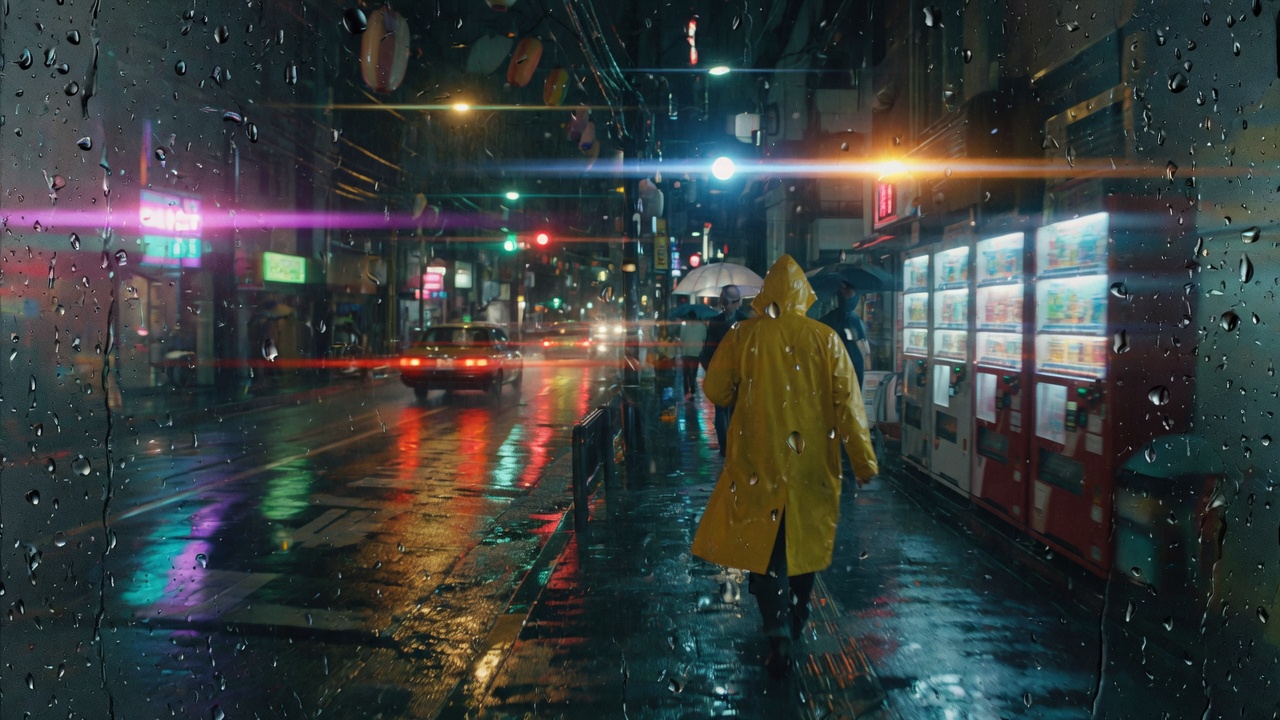
Rainy night street still used as a camera-move reference
Night street reference Camera-move board — generate your own MP4 above.

Creative workflows for short clips

One Gemini Omni video generator, several short-clip jobs. Each card is a setting recipe, not a slogan.

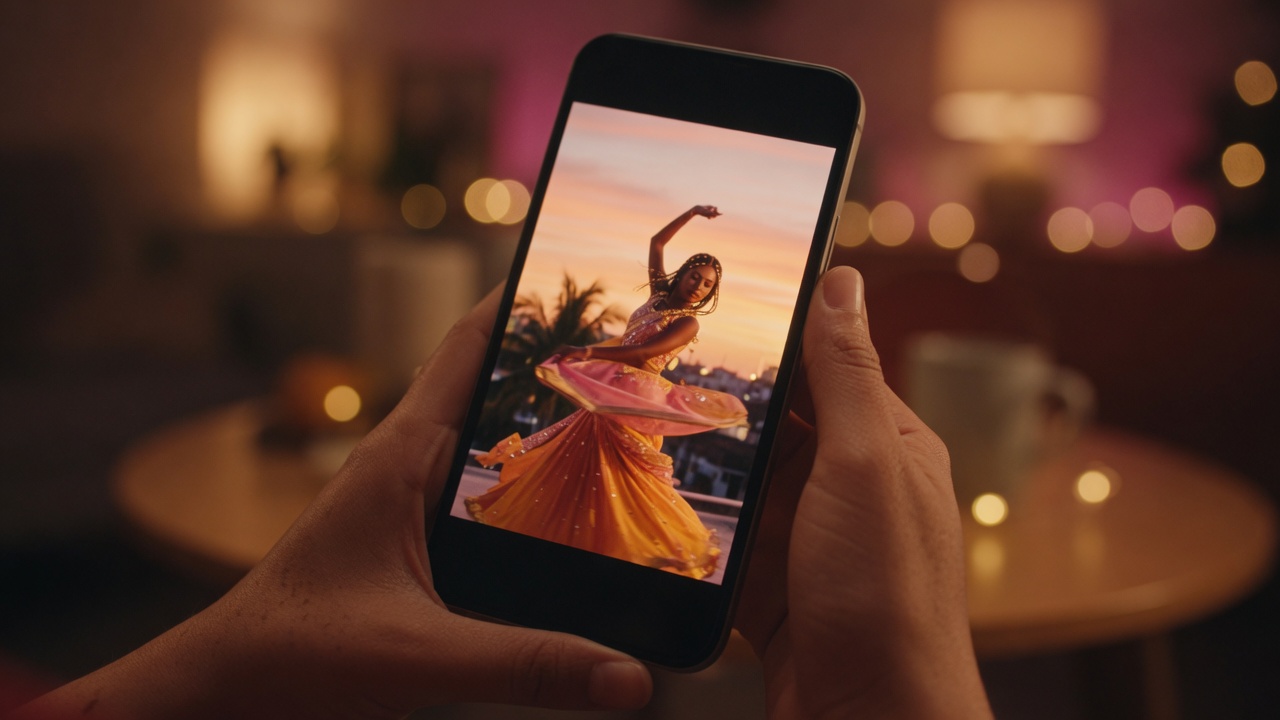
Vertical phone frame for a short social clip

Social & short-form

Scenario: a Reels / Shorts / TikTok draft. Input: one text-to-video line. Setting: 9:16, 5s Fast preview or 6–10s Omni Flash. Output: a vertical beat. Caveat: one action — not a whole storyboard.

Product still turned into an image-to-video pack shot

Ads & product

Scenario: a landing hero or paid-social test. Input: PNG/JPG pack shot plus a motion line. Setting: image to video, 5–10s. Output: the still as the opening frame. Caveat: aspect follows the photo; we do not take a last-frame product shot.

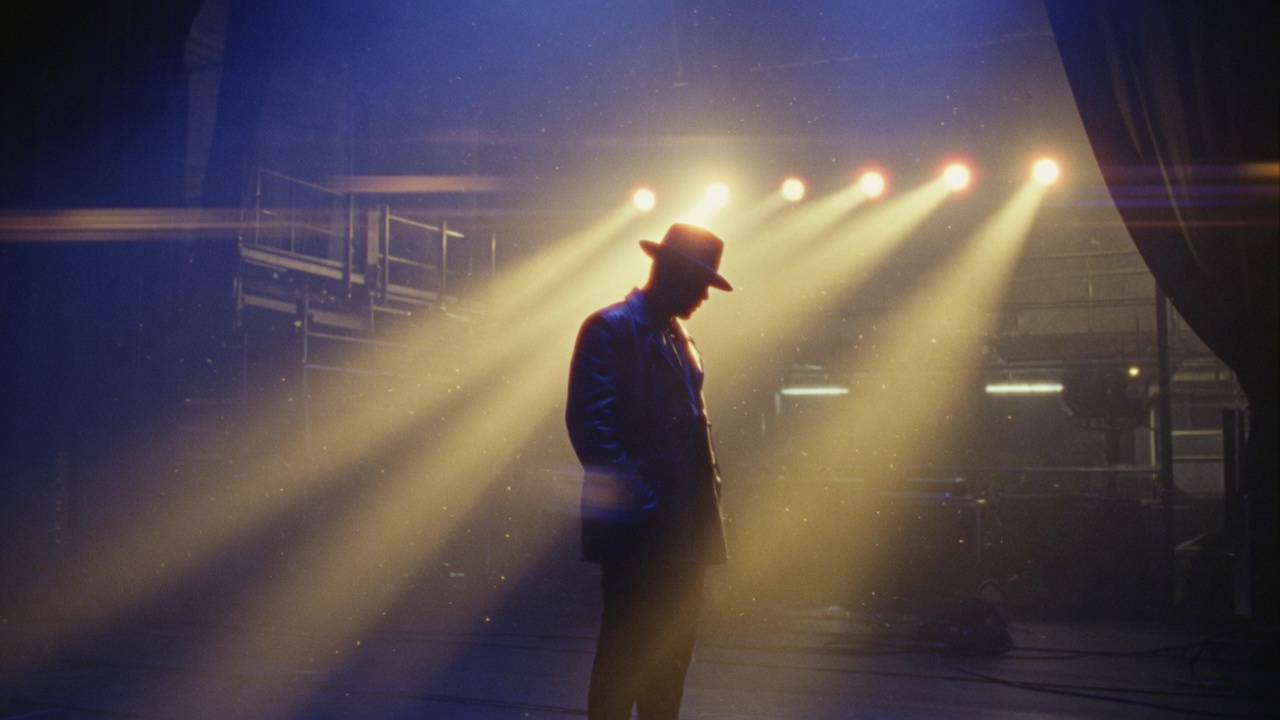
Concept lighting board for a mood shot

Film & VFX looks

Scenario: look-dev before a crew. Input: lighting, lens, and camera language. Setting: 16:9, 10–15s. Output: a moving sketch. Caveat: Fast preview 720p is a board, not a 4K finish.

Character moments

Scenario: one subject, one beat. Input: who they are and the single action. Setting: 5–10s, locked-off or slow push. Output: a readable close-up. Caveat: official Omni avatars and multi-ref character sheets are not on this page.

Education & explainers

Scenario: illustrate a process without hunting stock. Input: the step you need to show. Setting: 16:9, 5–10s. Output: a short plate you can talk over. Caveat: on-screen text is not guaranteed; keep titles for the editor.

Music & loop visuals

Scenario: a moving plate under a track. Input: atmosphere and camera. Setting: 5s loop-friendly or 15s paid. Output: MP4 to drop on a timeline. Caveat: sync and cuts are your job; this tool only makes the plate.

Why this generator

Prompt-first clips, a real free trial, and credits that stay on this site.

Start without a Google AI plan

Sign in here for draft Fast preview credits. You do not need Gemini Advanced or Flow. Omni Flash on this site still needs a paid plan on geminiomni.lol.

Specs match the buttons

Official 40s conversational Omni lives on Google. This page lists Fast preview 5–15s at 480p/720p, and Omni Flash 4–10s at 720p / 1080p / 4K.

Credits stay on this product

Google sign-in and Stripe checkout go through Account. Gemini Omni credits never expire and cannot move to another website in the matrix.

Failed runs are not billed

If Account reports a failed generate, credits are not kept for that job. A finished clip can still miss the mark — preview before you post.

“I signed in, spent draft credits on Fast preview, then bought a plan when I wanted Gemini Omni Flash — no Google AI subscription.”

Anika R. Short-form creator

“Image to video is the path I use: drop a product still, describe the move, download the MP4 for the landing hero.”

Daniel K. Indie founder

“The signup gift is honest: Fast preview only. When I need Omni Flash I buy credits here.”

Priya S. Motion designer

“No app install. This Gemini Omni video generator just runs on my phone, and My works keeps signed-in clips.”

Rachel M. Music video editor

Independent site vs official Gemini Omni

Search Gemini Omni and you will find Google’s product pages, Flow, and API docs. This site is a separate video generator with a smaller, honest feature set: Fast preview and paid Omni Flash in the browser.

Same search, smaller studio

People search Gemini Omni because Google shipped an any-input-to-video model. Official apps advertise conversation edits and 40s scenes. This independent generator runs Fast preview (our model) and paid Gemini Omni Flash.

What we actually run

Sign in required. Fast preview: 480p/720p, 5–15s, text or one still. Omni Flash: 720p/1080p/4K, 4–10s. Signup credits cannot buy Omni. No 40s extend, avatars, or a public Google API proxy.

API and apps live elsewhere

Searchers look up the Gemini Omni API, Flow, and the Gemini app. This page is a hosted studio, not Google Cloud. For official docs, use ai.google.dev and gemini.google — not this URL.

Prompt tips for text and image to video

How to write a text to video or image to video prompt on this Gemini Omni video generator before you spend credits.

Keep one action per clip

A reliable prompt is subject + environment + action + style + camera. One clear action reads cleaner than a packed shot list on a 5–15s clip.

Text to video: name the camera

Add a camera verb: slow push in, pan, tracking shot, or locked-off. Example: “red fox in snowy pines, golden hour, cinematic slow motion, gentle tracking shot.”

Image to video: describe motion only

Do not re-describe the whole still. Name the move: hair in the wind, slow zoom, steam rising. The uploaded frame already holds identity and framing.

Pick duration first

Fast preview is 5 / 10 / 15 seconds. Omni Flash is 4 / 6 / 8 / 10. Sign in first. 4K is an Omni Flash resolution button, not a prompt trick. Failed runs are not charged.

Sound is not a second upload

Official Omni can take audio references. Here you write the scene (and optionally mention ambience) and download the MP4. There is no lip-sync file picker on this page.

Do not prompt for modes we do not have

“Extend 40 seconds” or “edit the last clip” in the prompt will not unlock official Omni 1.1 extras. Use the controls that exist: prompt, optional still, duration, aspect, Fast preview or Omni Flash.

Plans & pricing

Sign in for draft Fast preview credits. Buy monthly, yearly, or a one-time pack for Gemini Omni Flash. Credits never expire and stay on geminiomni.lol.

Lite

$29.90 $15.90 / month

150 credits / month

≈ 25 Fast preview clips / mo at 480p / 5s

For the occasional creator.

  • Fast preview — 480p / 720p text to video and image to video
  • Gemini Omni Flash — paid 720p / 1080p / 4K
  • MP4 download · no watermark · private generation
  • Commercial-use license
  • Failed runs are never charged
  • Credits never expire · stay on this site
Get Lite

Cancel anytime

Studio

Best value
$119.90 $65.90 / month

950 credits / month

≈ 158 Fast preview clips / mo at 480p / 5s

For daily, high-volume work.

  • Fast preview — 480p / 720p text to video and image to video
  • Gemini Omni Flash — paid 720p / 1080p / 4K
  • MP4 download · no watermark · private generation
  • Commercial-use license
  • Failed runs are never charged
  • Credits never expire · stay on this site
  • Lowest price per credit
  • Priority support
Get Studio

Cancel anytime

Secure Stripe checkout Not ready? Start free every day →

Answers

FAQ

What is Gemini Omni?

Gemini Omni is Google DeepMind’s any-input-to-video model, shown at I/O 2026: text, images, and other media in, a short video out. Official use lives in the Gemini app, Google Flow, and YouTube Shorts. This site, geminiomni.lol, is an independent browser studio that lets you generate a short MP4 from a prompt or one still. We are not Google, not the Gemini app, and not Google Flow.

Is Gemini Omni free?

Official Gemini Omni access often sits behind a Google AI plan. On this site the free trial is after sign-in: new accounts get 18 draft credits for Fast preview (our model). Gemini Omni Flash needs a paid plan. We do not offer unlimited free 4K Omni clips or a daily guest generate.

How do I get Gemini Omni?

Google’s own paths are the Gemini app, Flow, Shorts, Vids, AI Studio, and the Gemini API. To try a clip here, open geminiomni.lol, sign in with Google, and press Generate on Fast preview. Buy a plan on Pricing when you want Gemini Omni Flash.

How can I get Gemini Omni?

If you want Google’s product, sign into the Gemini app or Flow. If you want this browser studio, sign in here for draft Fast preview credits, then buy a pack for Omni Flash. There is no guest generate and no daily check-in.

How do I use Gemini Omni Flash?

Pick Gemini Omni Flash in the model list, choose 4 / 6 / 8 / 10 seconds and 720p, 1080p, or 4K, then Generate. You need a paid plan — signup draft credits only run Fast preview. Official conversational edit still lives in Google’s apps.

What is the difference between Gemini and Gemini Omni?

Gemini is Google’s broader assistant family. Gemini Omni is the video-generation model in that family. Veo is a separate Google video model. This website is a third-party studio: Fast preview is our draft model; Omni Flash is the paid Google model we wholesale.

How do I use Gemini Omni on this site?

Sign in first. Choose text to video or image to video, write one beat, pick 16:9 or 9:16, set the duration for that model, then Generate. Download the MP4 when it lands.

How do I access Gemini Omni without a Google subscription?

You do not need Gemini Advanced or Flow. Sign in on this site for draft Fast preview credits. Official Omni in the Gemini app still needs Google’s own signup. Omni Flash here still needs a paid plan on geminiomni.lol.

Gemini Omni vs Veo — what’s the difference?

Official Omni is any-input-to-video with conversational edits on Google’s apps. Veo is Google’s cinematic video model. This studio is a browser form: Fast preview for cheap drafts, paid Omni Flash for the Google model. We do not swap Veo in and label it Omni.

Can I do Gemini Omni image to video here?

Yes. Open Image to video, sign in, upload one PNG, JPG, or WebP up to 8 MB, and describe only the motion. Aspect follows the still. We do not take a last frame, a video reference, or an audio bed.

Does this site offer Gemini Omni 4K, 40-second extend, or avatars?

4K is on Gemini Omni Flash after you buy a plan. We do not offer 40-second extend or digital avatars. Fast preview caps at 720p. Official conversational Omni 1.1 extras still live on Google’s apps.

Do I need a Google account to try Gemini Omni here?

Yes. There is no guest generate. Sign in with Google for 18 draft credits on Fast preview. That login is for this product’s credits, not a Google AI subscription. Omni Flash still needs a paid plan.

Can you remove the Gemini Omni watermark?

No. We do not run a watermark-remover. Official Google clips may carry SynthID or similar provenance. Clips from this studio download as a plain MP4 from our stack. Do not ask us to strip a Google watermark from a file you made in the Gemini app.

Is there a Gemini Omni APK or app download?

No. geminiomni.lol is a website. There is no Play Store package, jailbreak, or desktop installer from us. Official mobile use is the Gemini app from Google. Open this URL in a modern mobile or desktop browser to generate.

What is Fast preview, and is it official Omni Flash?

Fast preview is our turbo model: 480p and 720p, text or one still. Signup draft credits only spend here. It is not official Gemini Omni Flash. Pick Gemini Omni Flash in the list when you have a paid plan.

How much does a clip cost after the free trial?

Cost is on the Generate button. Fast preview is 6 / 10 / 14 credits at 480p and 12 / 20 / 28 at 720p for 5 / 10 / 15 seconds. Omni Flash at 720p is 12 / 18 / 24 / 30 for 4 / 6 / 8 / 10 seconds. Packs and plans are on Pricing. Credits never expire and stay on this site.

Can I use clips commercially? What about the official API?

Review each file before you publish. Paid plans on this site include a commercial-use license for clips you generate here, subject to the terms. We do not sell Google’s Gemini Omni API. Developers who need the official API should use Google AI Studio or ai.google.dev.

What happens to guest clips versus the signed-in library?

Guest clips appear in My works on this browser for about a week. Sign in on the same device to attach them to the account. Clearing the browser or switching devices drops the trial list. Download anything you need to keep.


Start with the Gemini Omni video generator

Open this Gemini Omni video generator, sign in, write a prompt or add a still, and download the MP4 — free trial after sign-in, then paid Omni Flash.

Generate a video