

Upload one still
Drop a PNG, JPG, or WebP up to 8 MB. This job treats that file as the opening frame. Aspect follows the photo. Wrong types never leave the browser.
Gemini Omni · I2V
Upload one still as the first frame, describe the motion, download an MP4. Free trial after sign-in — no GPU, no last-frame switch. Independent studio, not the Gemini app.
Generating your video…
Warming up the model…
Something went wrong.
Sketch-to-motion demo — not Gemini Omni output
Prefer words only? Use the Gemini Omni text to video generator.
The job
I2V on this site is a hosted run: pixels from your still, motion from your sentence, a short MP4 back in the tab. It is the same Account stack as the homepage generator, with image mode already open.
Official Gemini Omni documents image-to-video as part of any-input generation, including first-and-last-frame tools on Omni 1.1 Flash. Those contracts exist on Google’s apps. This URL only implements the first-frame slice we can actually call: one PNG, JPG, or WebP up to 8 MB, optional motion prompt. Fast preview is 5 / 10 / 15 seconds; Omni Flash is 4 / 6 / 8 / 10. Sign in first. 4K is on paid Omni Flash.
The generator is independent. Google sign-in and credits go through Account. Unsafe prompts and images are blocked before a debit. Failed runs do not keep the charge when Account reports a failure. Clips you keep after sign-in sit in My works for about a week. This page does not accept YouTube Shorts or other video URLs as input.
Steps
Three actions: drop the photo, name the motion, press Generate. Wrong file types never leave the browser. How to use the form is the same studio as the homepage, already opened on the image tab.
Drop a PNG, JPG, or WebP up to 8 MB. This job treats that file as the opening frame. Aspect follows the photo. Wrong types never leave the browser.
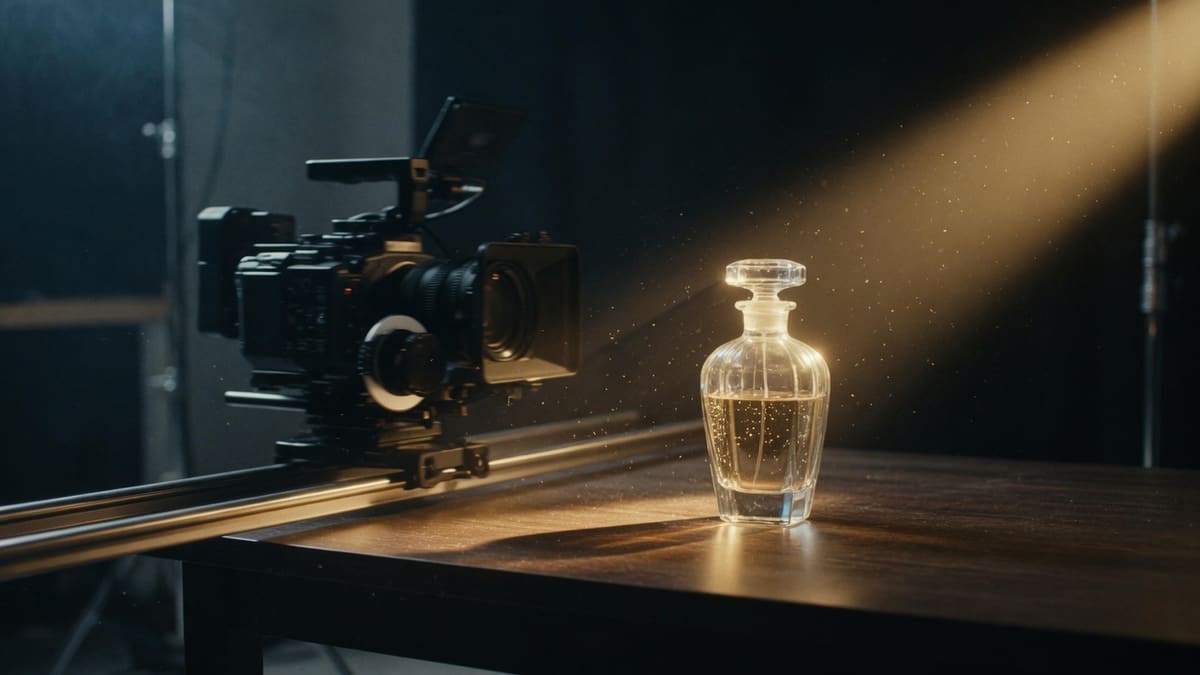
Write the camera move or the one action you want in the still. Do not rebuild the whole scene in words — the pixels already did that job. Press Generate when the brief is one beat.
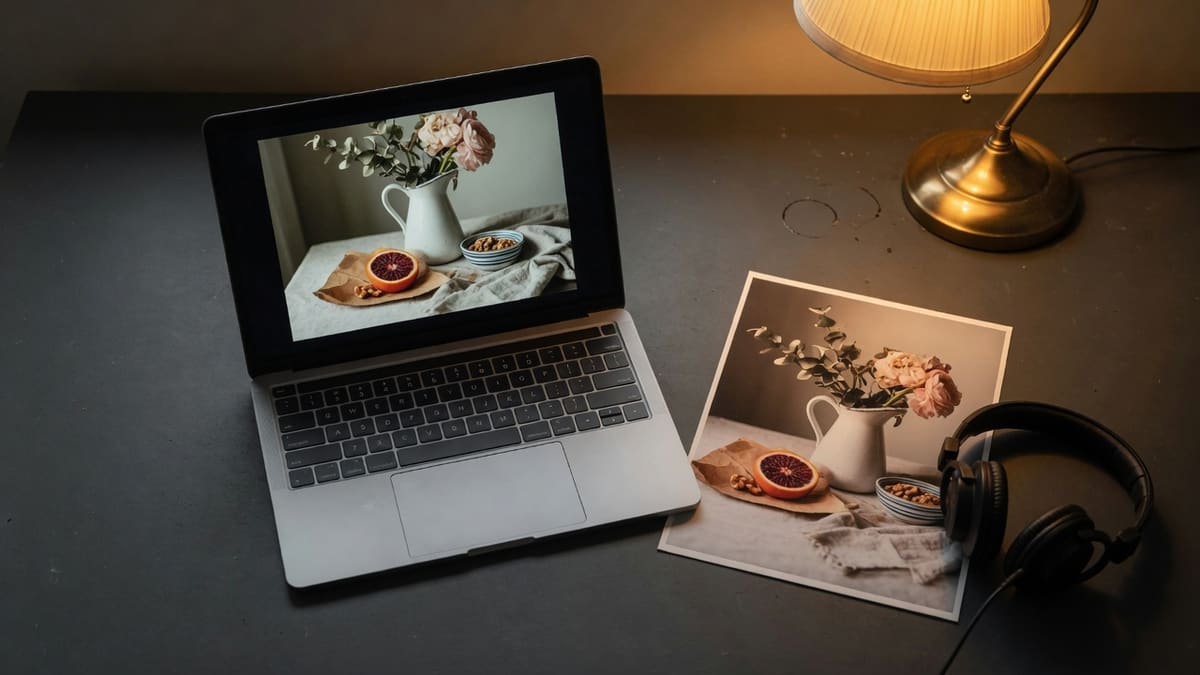
Sign in first. Fast preview is 5 / 10 / 15s; Omni Flash is 4 / 6 / 8 / 10s. When the MP4 lands, play it here and save the file. Signed-in clips also go to My works.
On this URL
One file, one motion sentence, one MP4. Modes the stack cannot press stay off the form instead of appearing as grey tiles.
This URL is a browser upload. You do not install a local workflow, pick a GGUF, or rent a 4090. The still stays in this tab until you press Generate. The job is the same Account path the homepage already runs.
Official Gemini Omni 1.1 can lock a last frame or a first-and-last pair on Google’s apps. This page does not. The photo you drop is frame zero. Motion after that comes from the prompt, not from a second still.
No guest generate. Sign in for 18 draft credits on Fast preview. Gemini Omni Flash (including 4K) needs a paid plan. Signup credits cannot buy Omni.
Unsafe prompts and images are blocked before credits move. This is a hosted studio, not an uncensored local graph.
Why here
Use this URL when you already like the still and you only need it to move, without a Google AI plan or a GPU box.
Local image-to-video wants weights and VRAM. This page is for people who will not rent a 4090. The still never becomes a local checkpoint; it is sent through the hosted path we already run.
Last frame and avatars stay off. Omni Flash and 4K are on the paid picker. Signup draft credits only run Fast preview.
Account reports a failure, the charge does not stick. That is the billing contract, not a slogan about unlimited free 4K.
A face or packshot you already like should stay the first frame. The prompt is for wind, a push-in, or steam — not for replacing the subject with three new characters the still never showed.
Writing
After the still is on the drop zone, the text box is a motion brief, not a second painting.
A reliable prompt names camera, a single physical change, and maybe weather that is already visible. “Slow push-in, steam rising, cool window light” works on a coffee still. “Replace the room with a spaceship and add three new characters” asks the model to ignore the photo. Here you have one still.
Pack one action into the duration you pick. Extra seconds are a longer hold on the same beat, not a second scene. The still stays the first frame.
Five seconds holds one action. Hair, steam, a head turn, a dolly. Ten and fifteen seconds are a longer hold on the same beat, not a second scene crammed into the same still.
Ask for rain on glass when the photo shows rain. Inventing a storm on a dry street fights the first frame and usually looks like a smear, not weather.
The still already has the room, the product, and the face. Name camera and one physical change. A second painting in the text box is how I2V turns into a different picture.
If you only upload a still, Generate uses a cinematic-motion default. Add words when you care about the camera; skip them when the photo should simply start moving.
Honest no
Official Omni landings list last-frame, 4K, and conversational edits because Google’s apps do. We list the same ideas so you can see they are off.
A second still as a landing frame, or a 40-second scene extend, is real on official Omni 1.1. It is not a control here. Generate a new clip if you need a different ending.
Official Omni can take richer any-input stacks. This page takes one still plus an optional motion sentence. Extra video and audio files are not a hidden mode.
Official Omni 1.1 marketing includes digital avatars. Fast preview caps at 720p. Omni Flash can do 4K after a paid plan. No avatar builder on this URL.
This page does not accept YouTube Shorts, live streams, or music.youtube links. There is no paste box for youtu.be. The input is an image file plus an optional motion sentence.
Recipes
Use it when you already have a frame you like and you only need it to move. Skip it when the job is a two-still morph or a local GPU graph.
Need. A packshot with readable label and a simple background.
Do. Upload the packshot. Prompt only the camera: slow orbit, soft wrap light, one petal or drip if the still already shows it.
Skip. Do not ask the model to replace the label, add a second product, or jump to 4K.
Need. A face or bust with a clear subject and not a collage of six people.
Do. Keep identity in the pixels. Prompt a small head turn, hair in wind, or a slow push-in. One beat for a 5-second guest clip.
Skip. Do not request a last-frame expression change — this page takes one still.
Need. A landscape or interior with a single vanishing point.
Do. Describe parallax or a dolly. Mention weather only if it is already in the photo (rain on glass, steam, dust).
Skip. Do not paste a YouTube link. This page will not parse it.
Answers
On this page it means one still becomes the opening frame of a short MP4. You sign in, upload a PNG, JPG, or WebP, describe the camera or subject motion, and this independent studio returns a clip from Fast preview or paid Gemini Omni Flash. It is not the Gemini app and not Google Flow.
Gemini Omni Flash on this form is the paid Google model we wholesale. Fast preview is our draft model. Signup credits cannot buy Omni Flash. Official conversational Omni extras still live in Google’s apps.
Not on this page. Official Omni 1.1 can take a first frame, a last frame, or both. Here you may upload one still as the opening frame. If you need a locked landing frame, use Google Flow or the Gemini app until this form exposes two stills.
Upload the still first, then describe only motion: a slow push-in, wind in hair, a lighting change, or a small expression. Do not rewrite the whole scene or the model fights the pixels. If the box is empty, this generator uses a simple cinematic-motion default. Keep one action per 5-to-15-second clip.
You can start after sign-in. New accounts get 18 draft credits for Fast preview. Gemini Omni Flash needs a paid plan. Failed runs are not charged when Account reports a failure.
PNG, JPG, or WebP, up to 8 MB. The file is used as the first frame. Aspect ratio follows the photo, so the 16:9 / 9:16 picker hides in this mode. Oversized files are rejected in the browser before a generate request is sent.
Fast preview is 5, 10, or 15 seconds. Omni Flash is 4, 6, 8, or 10 seconds. Official docs also describe 40-second Omni 1.1 scenes; we do not offer that length here.
No. geminiomni.lol is independent. We are not affiliated with, endorsed by, or operated by Google, DeepMind, or the Gemini app. Fast preview is our model. Omni Flash is the paid Google model we wholesale.
Yes. When a clip finishes it plays on the page and you can download the MP4. Signed-in files also save to My works for about a week.
Yes. The generator runs in a modern mobile or desktop browser. There is no app store install and no GPU on your device. Upload the still from the camera roll, write the motion, and wait for the MP4. We do not ship an APK.
Drop a PNG, JPG, or WebP, describe one motion, and download the MP4. Free 5-second Fast preview trial, then credits. Text-only scenes stay on the homepage generator.
Upload a still